
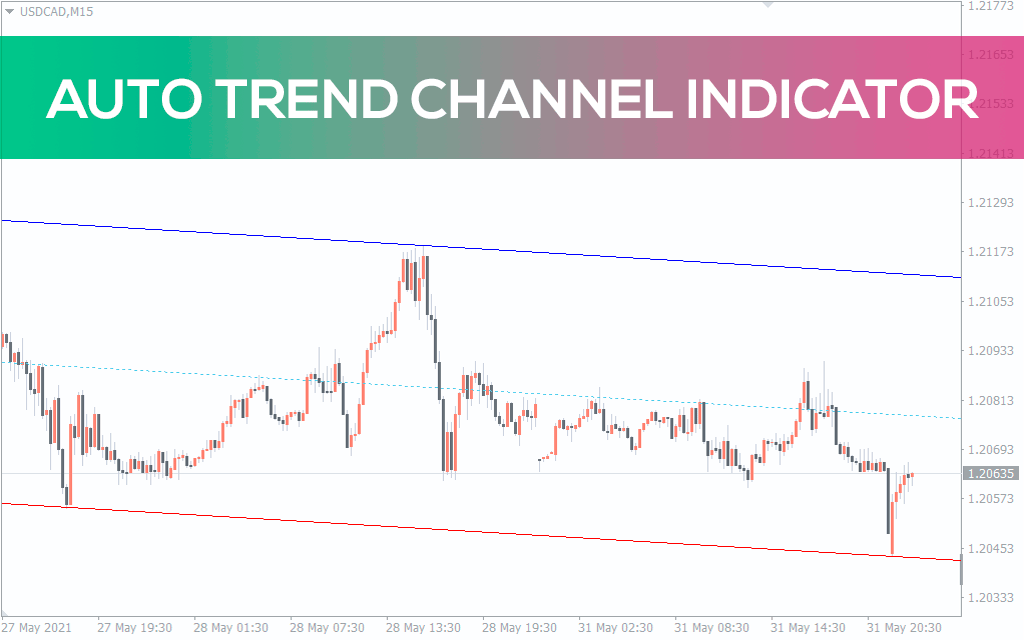
Auto Trend Channel Indicator for MT5
Auto Trend Channel is a fairly advanced indicator that allows you to display a trend channel on a chart of a currency pa
Grátis · Sem cadastro obrigatório
The Auto Trend Channel indicator allows you to easily analyze the dynamics of trend movement in the long and short term. Automatically building channels using the indicator will allow you to save a lot of time and achieve more impressive trading results. The lines that act boundaries also act levels. These channel lines allow you to use them when trading pending orders. After installing the indicator, a price channel should appear on your terminal screen. If necessary, visual settings can be changed at your discretion. In addition, the thickness of the lines is also different. It changes depending on user settings. How to Trade with Auto Trend Channels Indicator The price can move in a trend channel in different ways. There are true and false breakdowns. In the case of a true breakout, the price moves inside the channel for some time, and then at some point breaks the resistance line. Confirmation of a true breakthrough is the transformation of the resistance line into support. In this case, the trader needs to wait for a new price channel. We determine whether a breakout is false or not by one or more candles formed after the channel is broken through. A true breakout is visualized when the price no longer returns to the trend channel. Price movement in a trend channel when it does not reach the resistance line in a bullish trend or the support line in a bearish trend. It should be noted that clear boundaries of price channels are rarely observed. Usually the price movement shows a breakout without confirmation. In this case, the trader needs to use other confirmation signals. Trading strategy for the Auto Trend Channel indicator Let's look at trading strategies using the Auto Trend Channel indicator. Setting up automatic purchase on the Trend channel Wait for a clear upward breakthrough of the channel. After the breakout, wait for a bullish candle to appear. Place take profit near horizontal resistance. Place a stop loss a few pips below the upper boundary of the trend channel. Setting up automatic sales using a trend channel Wait for a clear downward break of the channel. After the breakout, wait for a bearish candle to appear. Place take profit near horizontal support. Place your stop loss a few pips above the lower boundary of the trend channel. Output Automatic trend channel indicator The Auto Trend Channel indicator reduces the time it takes to manually draw a channel on the chart. You can use automatic chart generation. Moreover, you can build a trading strategy based on the indicator. However, the strategy must be tested on historical data and a demo account to get results before it is put into operation.
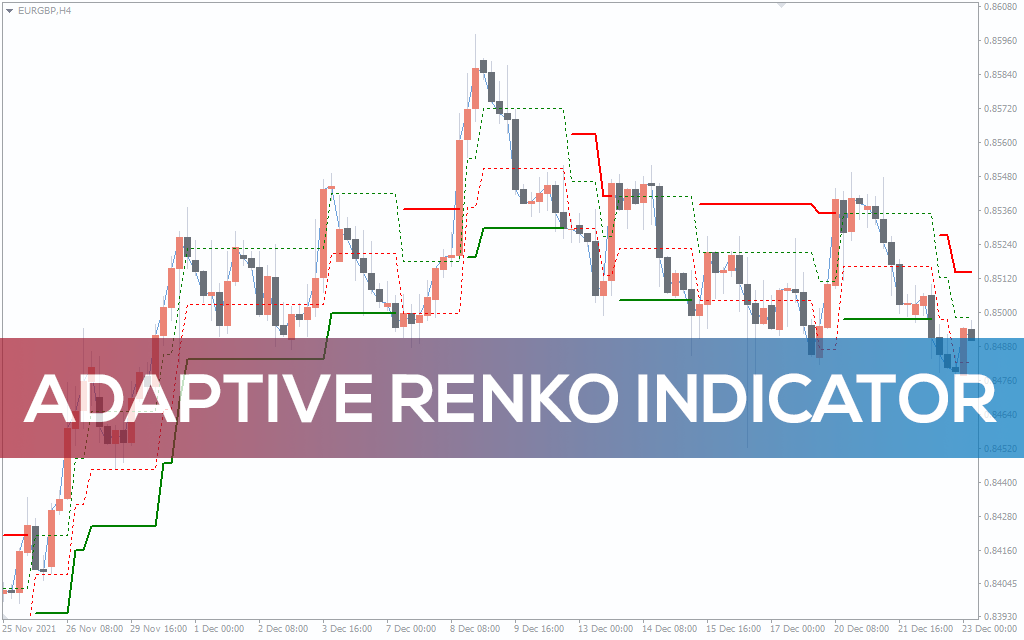
Adaptive Renko Indicator for MT5
Adaptive Renko indicator for MT5 – Free Download
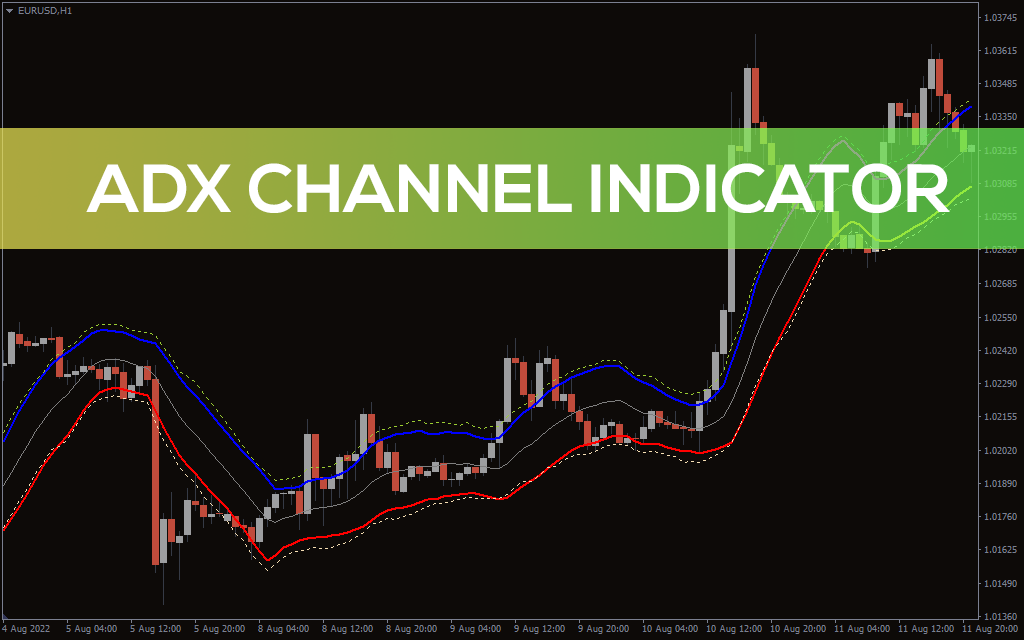
ADX Channel Indicator for MT5
ADX channel Indicator for MT5 is the perfect tool for identifying the trend
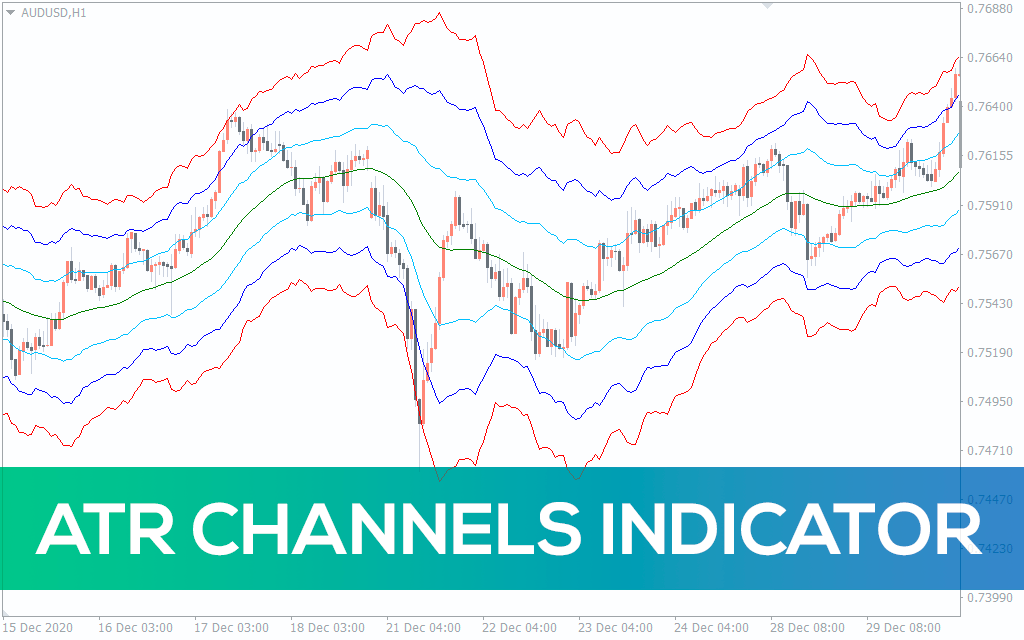
ATR Channels Indicator for MT5
ATR Channels indicator for MT5 is a technical tool that belongs to the category of trend channel indicators
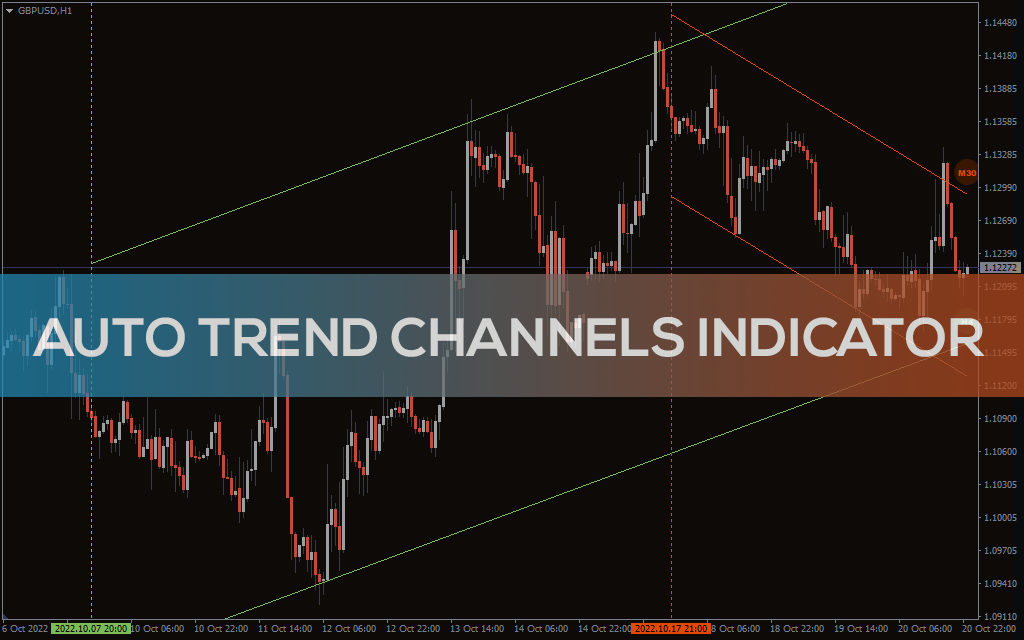
Auto Trend Channels Indicator for MT5
Auto Trend Channels is a trading tool that will help facilitate your daily technical analysis by plotting trend channels
Informações