
Bollinger Squeeze Advanced Indicator for MT5
Bollinger Squeeze Advanced Indicator for MT5 – Free Download
Grátis · Sem cadastro obrigatório
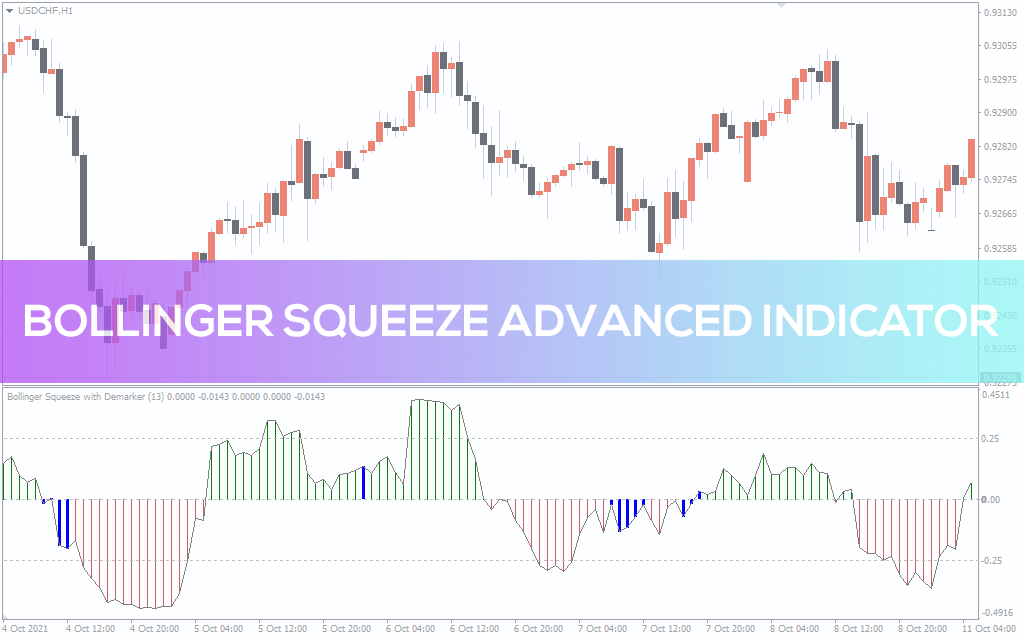
The Bollinger Squeeze Advanced Indicator for MetaTrader is designed based on the regular Bollinger Bands available on most MT5 platforms. However, this indicator was designed to function oscillator, which helps keep it out of the main chart. It fluctuates above and below the zero level of the indicator window on price movement. The Bollinger Squeeze Advanced indicator is integrated with additional technical features to help you gauge market volatility. The indicator is also designed to automatically reflect constantly changing market sentiment. This will help you get a clearer picture of what's going on in the market. This MT5 indicator has three colors of the signal histogram – red, blue and green. Red histograms below the zero point indicate a bearish trend, while green histograms above the zero point indicate a bullish bias. While the blue histograms indicate that the price is about to break out of the range. How To Trade With The Bollinger Squeeze Advanced Indicator Let's start with the fact that the extended Bollinger squeeze indicator gives optimal results in a trending market. This gives a high probability of winning when used in sync with the underlying market trend. So be careful when using it in a ranking market, signal can be fickle. The above figure shows how the Extended Bollinger Squeeze indicator looks on the chart. The indicator works best on higher timeframes. It is also ideal for intraday swing traders. The indicator is also useful for inexperienced traders trend indicator, and experienced traders can use it setup confirmation. To get the most out of this indicator, we recommend that you use it confluence with price action or any profitable trading strategy. You can also use it with a reliable trend following indicator for more profitable trades. While it can still be used standalone indicator for trading, winnings can be inconsistent. So the best way to use this MT5 forex indicator is to first determine the market bias through technical analysis. Once you know the direction of the trend, you can use the indication to enter or exit a trade. For BUY entries, wait until the green bars of the oscillator cross the zero level upwards. SELL entries should be made after the red bars of the oscillator fall below the zero level. Again, always make sure your BUY/SELL entries are in line with the market trend. Conclusion The Bollinger Squeeze Advanced Indicator for MT5 can help you be more confident in your trading strategy. Just download it for free and install it on your forex chart to see how powerful it is.
3 Color MACD Indicator for MT5
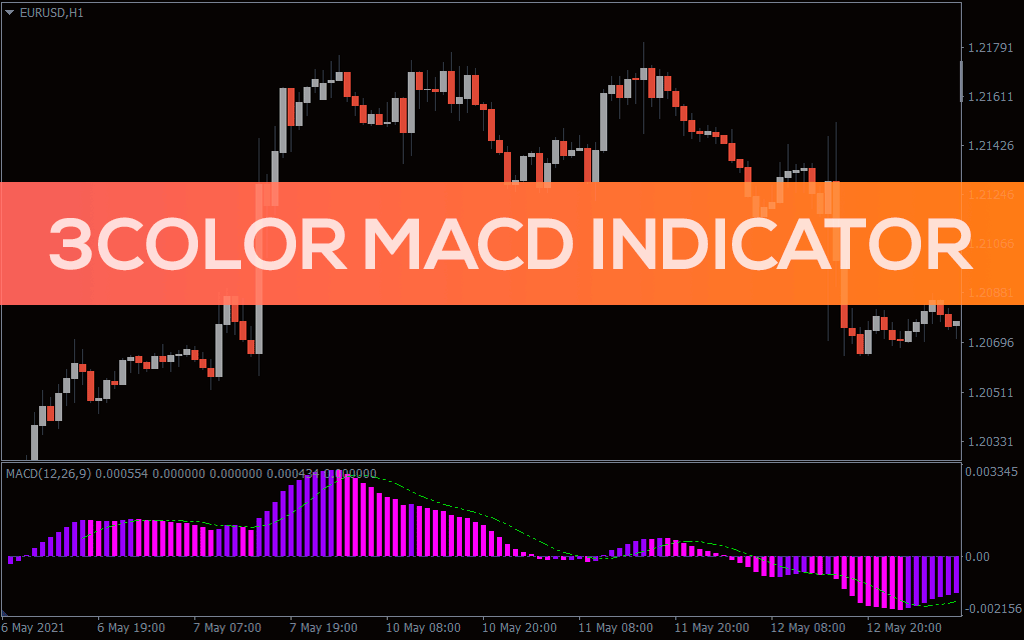
3 Colored MACD Histogram Indicator for MT5 Best forex trading indicator with MACD lines and histogram
3TF RSI Average Indicator for MT5
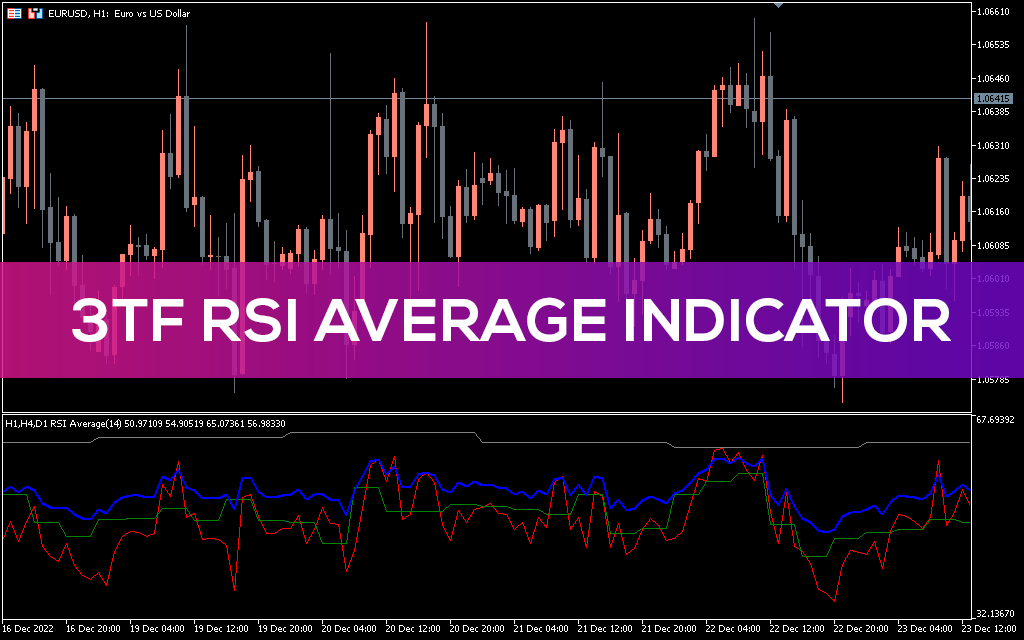
3TF RSI Average MT5 Indicator it is great trading tool to combine RSI and multitimeframe methods
4 MA Strength Indicator for MT5
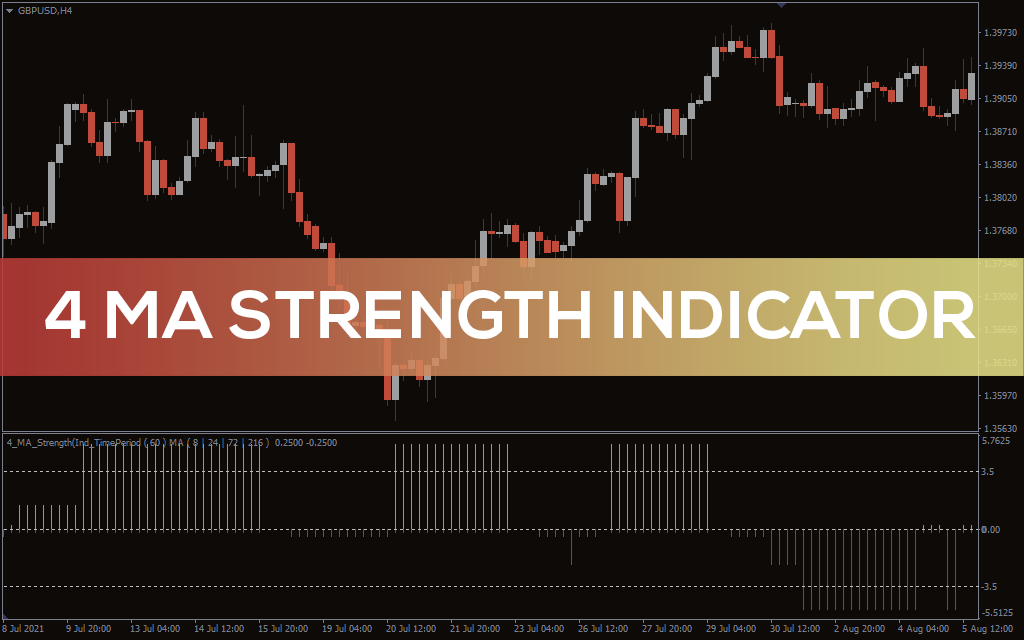
Forex BUY, SELL signals from the best 4-MA strength indicator
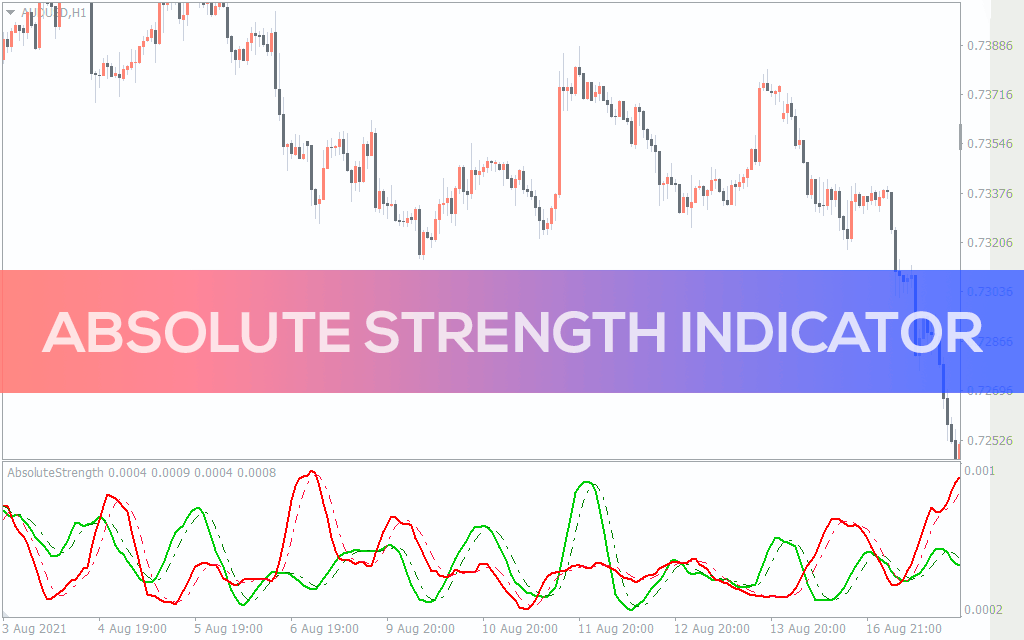
Absolute Strength Indicator for MT5
Absolute Strength Indicator for MT5 gives you BUY and SELL trading signals and trend strength
Informações